What Is PepLookup?
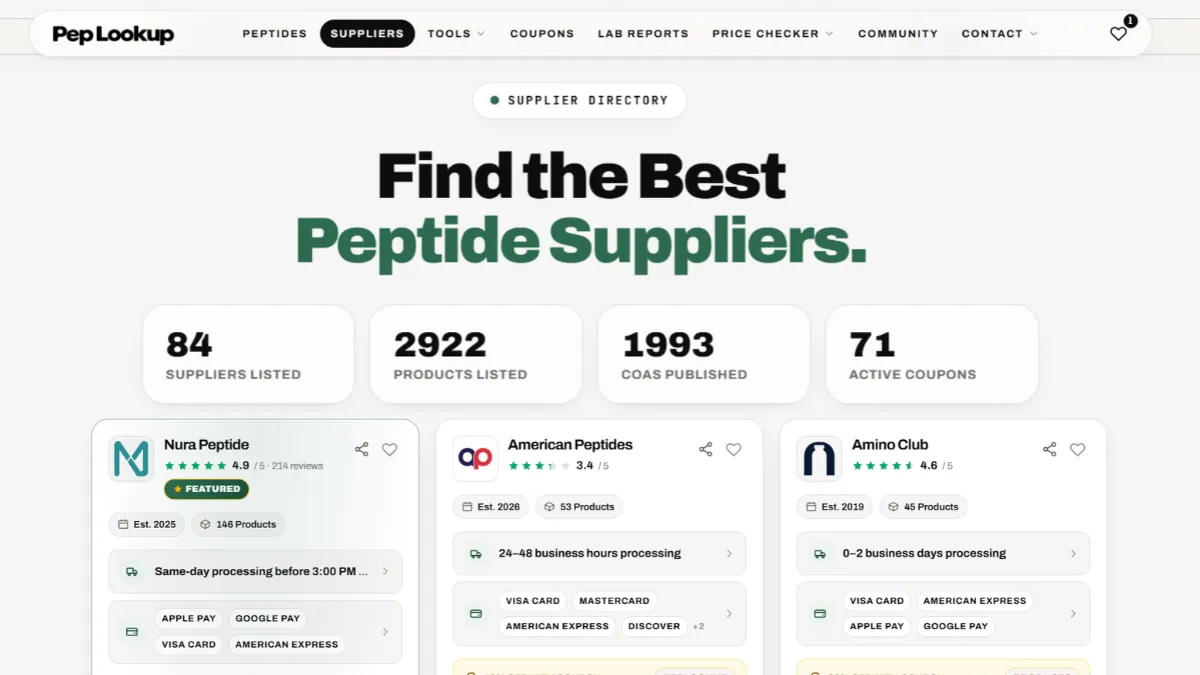
PepLookup is a free price comparison website for research peptides. It puts the price per mg of the same compound side by side across 87 suppliers, together with each supplier's coupon code, the certificates of analysis (COAs) it publishes and its public rating. The idea is simple: see who is actually cheapest, and what you are buying, before you spend anything.
By Adam Dan, founder of PepLookupLast updated
PepLookup in one minute
PepLookup is an independent comparison site. It does not make, sell or ship peptides. Instead, it collects the prices that research peptide suppliers publish on their own websites and turns every one of them into the same unit: price per milligram. Once every listing speaks the same language, the cheapest option stops being a guess.
Around that price, PepLookup adds the details that decide whether a listing is worth it:
- the supplier's current coupon code and what it takes off
- the COAs the supplier publishes, linked straight from the listing
- the supplier's public rating, linked to the place it comes from
- stock status and when the price was last seen, so an old price never passes for a new one
Every listing links to the supplier's own product page, and you buy there, under the supplier's terms.
Why PepLookup exists
Comparing research peptide prices by hand is slow and easy to get wrong. One supplier sells a 5 mg vial, another a 10 mg vial, a third a kit of ten. One runs a 15% code, another offers free shipping over a set amount, a third has a sale price that ends on Friday. The sticker prices tell you almost nothing on their own.
Take a simple example. A 5 mg vial at $45 works out at $9.00 per mg. A 10 mg vial at $80 works out at $8.00 per mg. The second listing costs more at checkout but less for every milligram you get. Now repeat that across dozens of suppliers, several sizes and a handful of coupon codes, and the spreadsheet takes an evening.
PepLookup does that arithmetic for every listing it holds, so you can see the real comparison in seconds instead of rebuilding it every time you shop.
What you can do on PepLookup
Compare prices per mg
Each compound has its own page that lists every supplier selling it, ranked by price per mg. You can filter by form and size, so a 10 mg vial is compared with other 10 mg vials. Start with BPC-157 prices per mg or tirzepatide prices per mg, or search any compound in the price checker.
Look up a supplier
The supplier directory has a profile for every supplier PepLookup tracks. Each profile shows the supplier's products and prices, its shipping and payment options, the COAs it publishes and its rating where one exists. It is the quickest way to size up a supplier you have not used before.
Find a coupon code
The coupon directory lists the current code for every supplier that has one, with the discount it gives and how to apply it at checkout. Where a supplier runs a sitewide code, the prices on PepLookup already show what you would pay with it.
Check the COAs
The COA directory gathers the certificates of analysis that suppliers publish, by compound and by supplier, so you can see which listings come with a test report and which do not. If you are new to reading one, the COA reader walks through what each part of a certificate means.
Use the free tools
- Price per mg calculator: compare any two listings yourself
- Reconstitution calculator: work out the concentration after adding bacteriostatic water
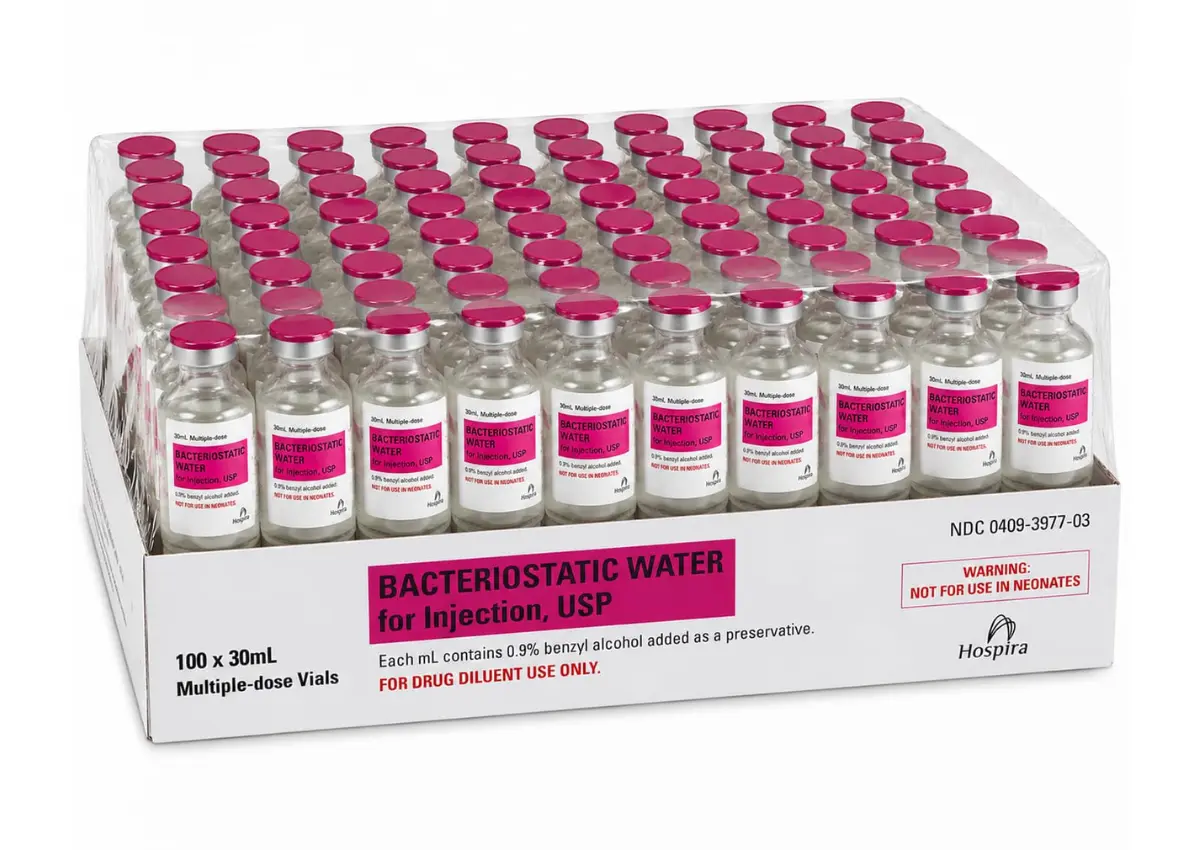
- Hospira bacteriostatic water guide: sizes, prices and facts about the most common diluent
Get codes automatically
The PepLookup Chrome extension shows the code and rating for the supplier you are on, the moment you open its store in Chrome. You copy the code or fill it into the coupon field in one click. It never presses Apply, places an order or submits a form for you.
How PepLookup works
- Listings are added from each supplier's own site. Products, sizes, prices and stock are taken from the supplier's product pages, with the date each price was seen.
- Every price becomes a price per mg. The price is divided by the total milligrams in the pack, so single vials, multi-vial packs and kits are comparable.
- Codes, COAs and ratings are attached. Each listing carries the supplier's code, any COA it publishes and its public rating, each linked to its source.
- Out-of-stock listings never win. A price you cannot buy is shown as out of stock and left out of the cheapest-first ranking.
- You choose and buy from the supplier. PepLookup sends you to the supplier's own page. The order, the payment and the delivery are all between you and the supplier.
How to read a PepLookup price
Price per mg comes first
The headline number on a listing is its cost for each milligram, because that is the only figure you can compare fairly between sizes. The pack price sits beside it for reference.
Sale prices and codes are kept apart
A supplier's own sale price and the original price are shown side by side, never merged. A coupon code is a separate rule: where one applies, PepLookup shows the price with the code, and you still enter the code at the supplier's checkout.
The date matters
Every price shows when it was last seen. Prices change, so treat an older price as a guide and confirm it on the supplier's page before you order.
How PepLookup makes money
PepLookup is free to use. When you visit a supplier through a PepLookup link and place an order, PepLookup may earn a commission from that supplier. It costs you nothing extra, and it never changes the price you pay.
It does not change the rankings either: price comparisons are always sorted by price per mg. Where a supplier is promoted as a featured partner, it is labelled as featured on the page, so you can always tell a placement from a price ranking.
Is PepLookup legit?
PepLookup is an independent comparison site run by Adam Dan. It does not sell peptides, take payments or hold your card details, so there is nothing to buy from PepLookup itself.
Everything PepLookup shows can be checked. Every supplier page links to the supplier's own site, every COA links to the supplier's published document, and every rating links to the review page it comes from. If something looks wrong, or a code stops working, contact us and it will be rechecked.
What PepLookup is not
PepLookup is not a shop, a manufacturer or a laboratory. It does not test products itself: the COAs it links are the ones suppliers publish, and a certificate describes the batch it was issued for. Ratings come from public review sources such as Trustpilot, and each one names its source. Where a supplier has no rating, PepLookup shows none rather than an estimate.
PepLookup also does not give medical, dosing or protocol advice. Its calculators do arithmetic; they do not recommend anything.
Who PepLookup is for
PepLookup is for researchers and labs who buy research peptides and want the best price per mg from a supplier with published lab reports. All products listed are sold by suppliers for laboratory research use only, not for human or animal consumption. See the disclaimer for the full terms.
Join the PepLookup community
Want to compare notes on suppliers, codes and prices with other researchers? Join the PepLookup community.
Frequently asked questions
Is PepLookup free?
Yes. Comparing prices, using the tools and installing the Chrome extension are all free.
Does PepLookup sell peptides?
No. PepLookup is a comparison site. You buy directly from the supplier, on the supplier's own website.
How many suppliers does PepLookup compare?
87 research peptide suppliers right now. See every one of them in the supplier directory.
How often are prices updated?
Each price shows the date it was last seen, so you always know how fresh it is. Check the supplier's page for the live price before you order.
Where do the ratings come from?
From public review sources such as Trustpilot. Each rating links to the supplier's page on that source. If a supplier has no rating, PepLookup does not show one.
Can my company be listed on PepLookup?
Yes. Suppliers can apply through the supplier listing page.
Research use only. This guide is general information, not medical, legal or laboratory-protocol advice. See the full disclaimer for the terms this site operates under.